
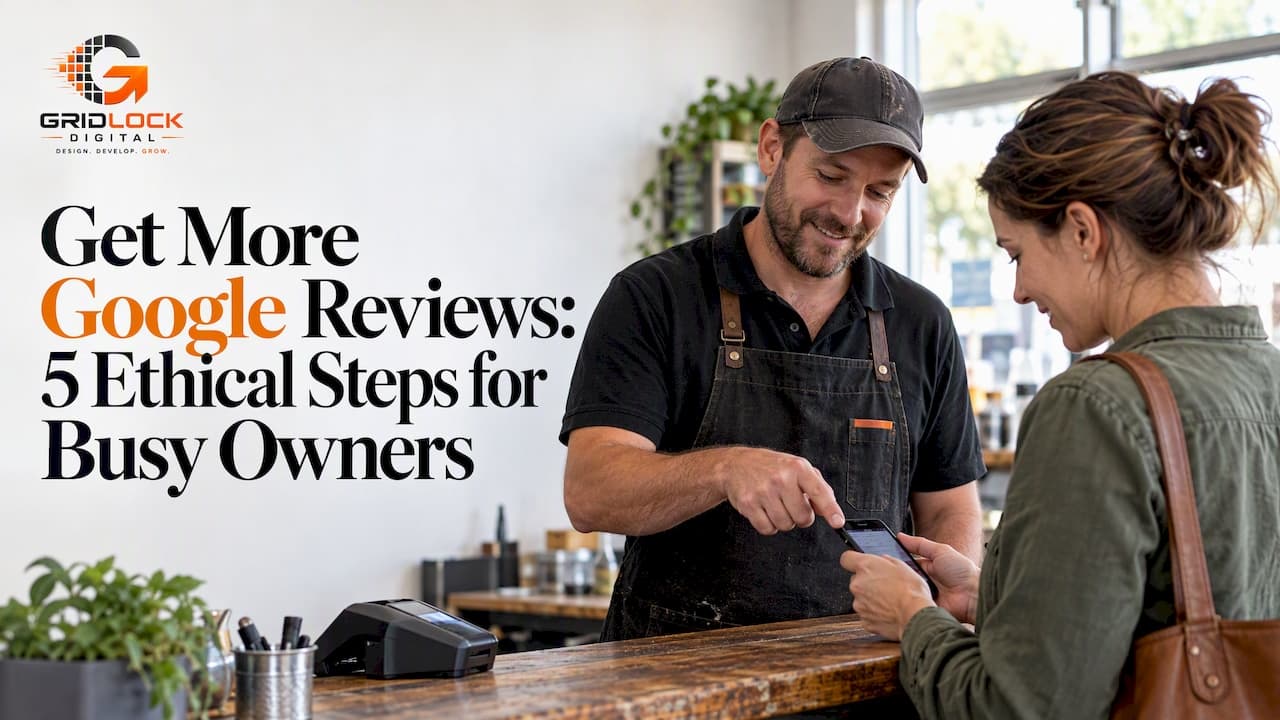
The simplest ethical way to get more Google reviews is to ask promptly after a positive interaction, hand the customer your native Google review link or QR code, and send a polite follow-up if they do not respond. Avoid incentives or asking only happy customers, since this breaches Google policy. Reply to every review you receive: it builds trust and nudges more customers to leave their own.
TL;DR:
- Claim your Business Profile first, then test its review link or QR code in a browser before adding it to receipts, confirmations, or your website.
- For quick jobs, ask soon after a positive outcome; for longer projects, ask at completion or a clearly successful milestone, and name the specific service.
- Limit automation to one follow up, and check consent rules before electronic requests; include an opt out and honor requests not to be contacted.
- Never offer rewards or ask only satisfied customers, because Google treats incentives and review filtering as manipulation and may restrict reviews or remove existing ones.
- Reply to every review: thank positive reviewers specifically, address complaints plainly, and take resolution offline, since prospective customers read your responses before deciding to call.
Table of Contents
- Quick action checklist: steps you can implement this week
- How to ask customers for reviews: scripts, timing and channel choices
- Automation and tools: native link, sensible workflows and privacy care
- How to reply to reviews: templates and why it matters
- Google policies and enforcement: what not to do
- Why review capture belongs in your website's conversion flow
- Where GridLock Digital fits if you want this built in
- FAQ
- Sources
Quick action checklist: steps you can implement this week
You do not need new software or a marketing budget to see movement within days. The fastest results come from tidying up what already exists and asking consistently.
- Verify and claim your Business Profile if you have not already, since unclaimed profiles cannot generate a usable review link.
- Find the native review link and QR code inside your Business Profile and test it in a private browser window to confirm it opens the correct review form.
- Add that link or QR code to receipts, booking confirmations, email signatures and the most visible call-to-action areas of your website.
- Train staff to ask conversationally at checkout or straight after a job, and to offer the same review invitation to customers regardless of whether they seemed pleased.
- Set one polite reminder, sent through the customer's preferred channel, if they have not left a review after some time.
None of this requires paid tools. Google's own link and QR code, available directly inside your profile, cover the mechanics; the rest is habit and timing.
How to ask customers for reviews: scripts, timing and channel choices
Generic requests get ignored. Specific ones, tied to the actual job, get answered. "Please leave us a review" asks for effort with no context; "happy with your new roof?" reminds the customer exactly what they are rating and why it mattered to them.
- In person: a short, warm line straight after a good moment, such as "glad that worked out, would you mind a quick Google review?", paired with the QR code on the receipt or a same-day follow-up message.
- Email or SMS: one sentence of thanks, one call to action, one link, nothing more. Longer messages get skipped.
- WhatsApp: identical structure to SMS, since brevity matters more than the channel.
- Timing for quick jobs: ask promptly after the positive experience, while the outcome is still fresh.
- Timing for longer projects: ask at completion, or after a milestone the customer was clearly satisfied with.
Pro Tip: Name the specific product or service in your request, since a review ask that feels tailored to the job may be more engaging than a generic one.
Automation and tools: native link, sensible workflows and privacy care

Google's Business Profile gives you a free review link and QR code; there is no need to pay a third party for either. Generate it from your profile dashboard, then open it in an incognito window to check it lands on the correct review form before you print it on anything.
Automation has a place, but only for a single courteous nudge, not a sequence.
- Use email, SMS or WhatsApp automation for a courteous follow-up, rather than a repeated chain of messages chasing the same customer.
- Avoid pressuring customers in person while they are still on your premises, and never ask multiple customers to post from the same device or Wi-Fi network, since Google's fraud detection flags unusual review patterns, including unusual patterns of reviews from the same IP address or device.
- If you request reviews electronically, treat it as a form of direct marketing: check whether local rules require consent or an existing customer relationship, include a simple opt-out, and keep a record of anyone who asks not to be contacted again.
Keeping the ask light and occasional protects both your review count and your profile's standing.
How to reply to reviews: templates and why it matters
Responding to reviews matters as much as collecting them, since the replies are read by future customers deciding whether to trust you, not just by the original reviewer.
- Positive review reply: thank the reviewer by name, mention the specific result they got, and invite them back for their next job.
- Negative review reply: acknowledge the issue plainly, apologise where it is warranted, offer to resolve it offline, and ask them to update their review once it is fixed.
- Treat every reply as public proof of how you handle feedback, since a thoughtful response often encourages other satisfied customers to add their own review.
A business that visibly replies looks active and accountable, which is exactly what a prospective customer is scanning for before they call.
Google policies and enforcement: what not to do
Google's prohibited content rules are specific: offering incentives for reviews, gating customers so only happy ones are invited to post, or soliciting reviews with particular wording all count as manipulation. Violations can lead to temporary or permanent restrictions on new reviews, or removal of existing ones.
- Never offer discounts, freebies or entry into a draw in exchange for a review.
- Never filter customers so only the satisfied ones get asked and the dissatisfied ones are quietly skipped.
- Avoid mass on-premises campaigns or asking everyone to post from one shared device, since unusual volume or device patterns are what automated detection looks for.
- Keep a record of staff training on how requests should be worded, to help document your process.
Why review capture belongs in your website's conversion flow
Review prompts work best where a customer has just finished an action they feel good about: a booking confirmation, a thank-you page, a receipt screen. Placing the request there, rather than as a cold afterthought, tends to lift completion because the moment and the ask line up.
Worth tracking: clicks on the review link, how many turn into submitted reviews, and whether review volume correlates with later conversion rates on your site.
— Dylan
Where GridLock Digital fits if you want this built in
We design websites around the moments customers actually take action, so a review request feels like a natural next step rather than an interruption. A booking confirmation page, a quote-request thank-you screen or a lightweight landing page can all carry your Google review link in exactly the spot a happy customer is already looking.

- Our Website Design & Development and Conversion-Focused Design work both build in these prompts without adding friction for the visitor.
- Our website care services, including GridLock Care from R299 per month, keep those flows working as your site changes.
If you want your confirmation pages and CTAs doing this work for you, our Start, Grow and Pro plans are a straightforward place to start.
FAQ
How to get 100 Google reviews?
Building review volume comes from consistency rather than a single tactic: ask customers promptly, make the native review link or QR code easy to find on receipts and confirmation pages, and send a polite follow-up to anyone who has not responded. Replying to reviews helps show potential customers that you value feedback.
How many five-star reviews does it take to increase your Google rating?
There is no fixed number, since your overall rating is simply the average of every review you have, so the effect of new five-star reviews depends on how many reviews you already have. A profile with a handful of reviews moves quickly with each new one, while a profile with hundreds needs a steadier stream to shift noticeably.
How to get five-star reviews on Google for free?
Ask in person right after a good outcome, hand over your Business Profile's free native review link or QR code, and follow up once by email, SMS or WhatsApp if needed. There is no cost involved, since Google provides the link and code directly inside your profile.
Can you pay to get good Google reviews?
No. Google's policy on fake engagement explicitly prohibits offering incentives or payment for reviews, and doing so can lead to restrictions on your profile or removal of the reviews involved. The safer and policy-compliant route is asking genuine customers directly and making the process easy for them.
Sources
- Support